Mobile solutions for Microsoft Business Central: how DynaGo Mobile supports warehouse, manufacturing and service processes
- DynaGo Mobile is a mobile solution connected to Microsoft Dynamics 365 Business Central that supports warehouse, manufacturing and service processes within a unified framework, enabling companies to work with real-time, up-to-date data in their daily operations.
- Built on .NET MAUI technology, the solution provides fast, native Android and iOS performance, a single codebase, secure two-way data connectivity, and compatibility with both on-premises and cloud-based environments.
- DynaGo Warehouse supports warehouse processes from goods receipt, inventory movements, stocktaking and picking through to material consumption in manufacturing, reducing administration and improving accuracy.
- The Mobile Service application makes field service work more efficient with real-time inventory information, mobile work order management, digital signatures and automated document handling, improving both customer experience and operational efficiency.
The value of enterprise resource planning systems today is no longer defined solely by how accurately they support administrative or financial operations. It is also determined by how well they can reflect real-life, day-to-day operations. For employees working in warehouses, production facilities or in the field, the real advantage comes from being able to access the same up-to-date data and business processes on mobile devices that are managed centrally in the ERP system.
This is the need addressed by DynaGo Mobile, developed by DynaGo Hungary. The solution provides mobile device support for warehouse, manufacturing and service processes connected to Microsoft Dynamics 365 Business Central. Its purpose is to help companies manage processes that take place not in the office, but in field and warehouse environments, more efficiently, more quickly and with fewer errors.
Behind DynaGo Mobile is a technology and development approach that ensures rapid implementation, stable operation, scalability and a modern user experience. One of its key foundations is .NET MAUI technology, which provides an ideal basis for mobile integrations with Business Central.
Why .NET MAUI?
.NET MAUI is a modern, cross-platform development framework that enables native Android, iOS and Windows desktop applications to be built from a single codebase. This offers significant advantages not only from a development perspective, but also in terms of operations, scalability and future enhancements.
One of the technology’s key strengths is that it delivers native performance in both Android and iOS environments, allowing mobile applications to run quickly, stably and reliably.
A unified codebase results in lower development and maintenance costs, as there is no need to maintain separate solutions for each platform. In addition, .NET MAUI supports the creation of modern, fast and flexible user interfaces, which has become a basic expectation for enterprise mobile applications.
Another advantage of the technology is its strong integration capability at API and web service level, enabling secure, real-time connectivity with Business Central. It is also well suited to corporate mobile device fleets and BYOD operating models, where employees use their own devices for work purposes.
The DynaGo framework: a stable connection between Business Central and mobile applications
DynaGo has developed a standard framework that ensures stable, scalable and rapid implementation between Business Central and .NET MAUI-based mobile applications. The framework supports real-time, two-way data communication and synchronization through Business Central Web APIs, while also enabling user, company and permission management.
This approach is particularly important because enterprise mobility is not merely a matter of user interface design. It only works well when it is supported by stable business logic, properly regulated access and reliable data connectivity in the background.
One pillar of the framework is a Business Central extension that can be installed on any standard system, regardless of localization. This Business Central-side solution manages mobile users, permissions related to the mobile application, mobile version control and deployment management, while also supporting two-way communication. A key advantage is that mobile application updates can be managed and automated directly from Business Central, making operations simpler and more secure.
A ready-made mobile foundation for faster development and implementation
The other pillar of the framework is the base mobile application, which accelerates development and deployment with pre-built, professional functions. The system offers a wide range of modern, user-friendly mobile components, including data entry forms, list views, visual UI elements and practical mobile features such as barcode scanning, photo capture and file attachment.
These ready-made elements significantly shorten development time, while ensuring that the resulting solutions meet today’s mobile user expectations.
The application provides a full, secure, two-way connection to Business Central, with authentication supported in both on-premises and SaaS cloud environments.
The system also offers flexible configuration management: multiple Business Central environments can be managed from a single mobile application, configurations can be saved, and they can be shared with other devices via QR code. This is especially useful when rolling out the solution quickly to larger teams. The framework also provides a default menu structure and easy-to-use developer navigation tools, making it simple to build workflows between different application screens.
Warehouse mobile solution: real-time inventory management and efficient material handling
Efficient warehouse operations play a key role in the everyday performance of any manufacturing, trading or logistics company. Manual administration, paper-based processes and outdated inventory information can easily lead to errors, slower service and rising costs.
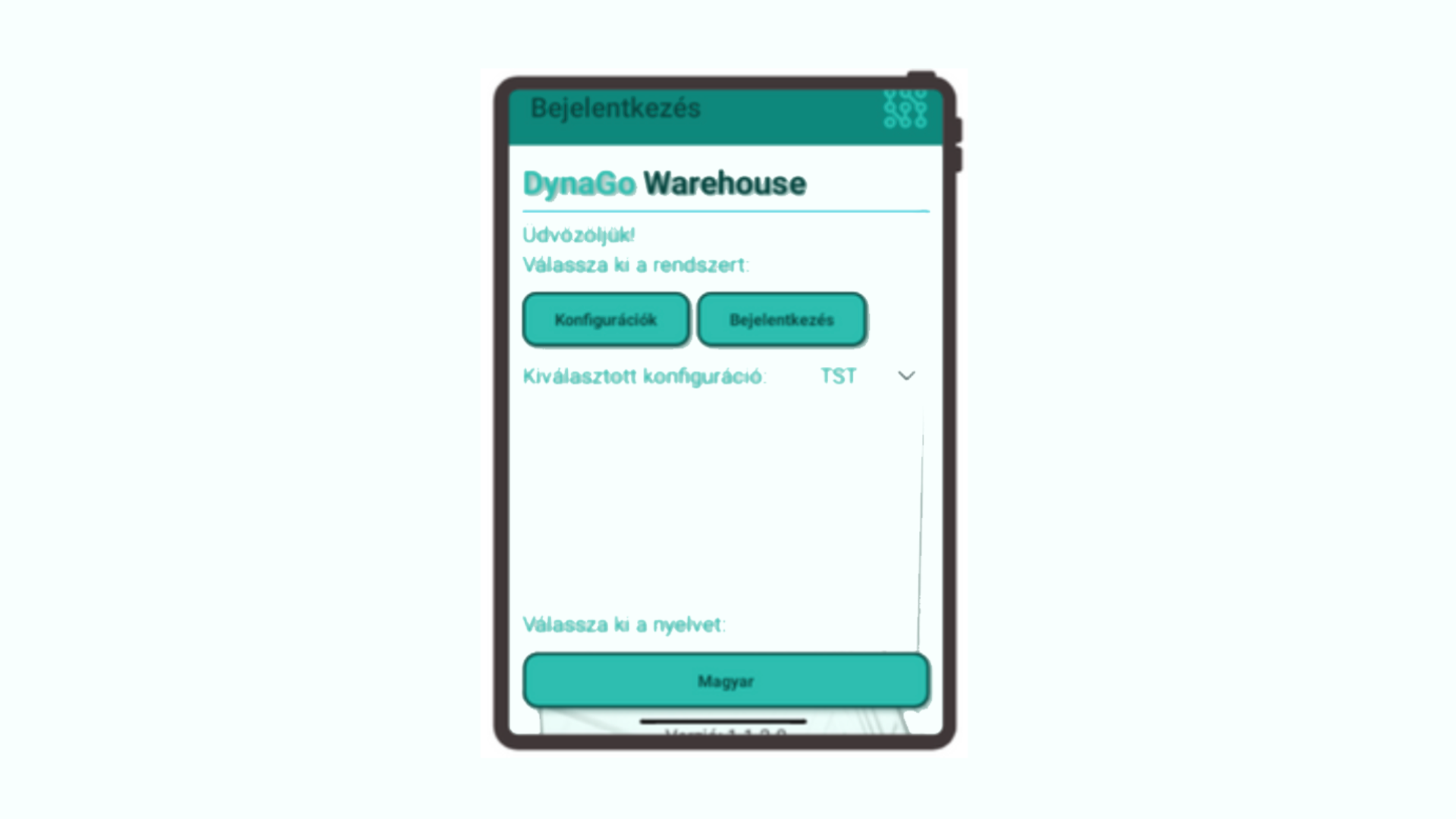
DynaGo Mobile’s warehouse solution, DynaGo Warehouse, is a modern application developed with .NET MAUI technology and running natively on Android and iOS devices. It integrates directly with the Microsoft Dynamics 365 Business Central ERP system. The solution provides real-time data management for logistics teams and supports processes with mobile technologies from goods receipt through to delivery.
The system’s most important advantage is that it makes real-time inventory information available anywhere in the warehouse, while enabling paperless, automated processes.
Barcode and QR code support enables faster and more accurate work, while direct posting to Business Central minimizes administration. The solution also provides transparent task management, process tracking, and flexible role and permission management through the mobile interface.
Warehouse user management and role-based operation
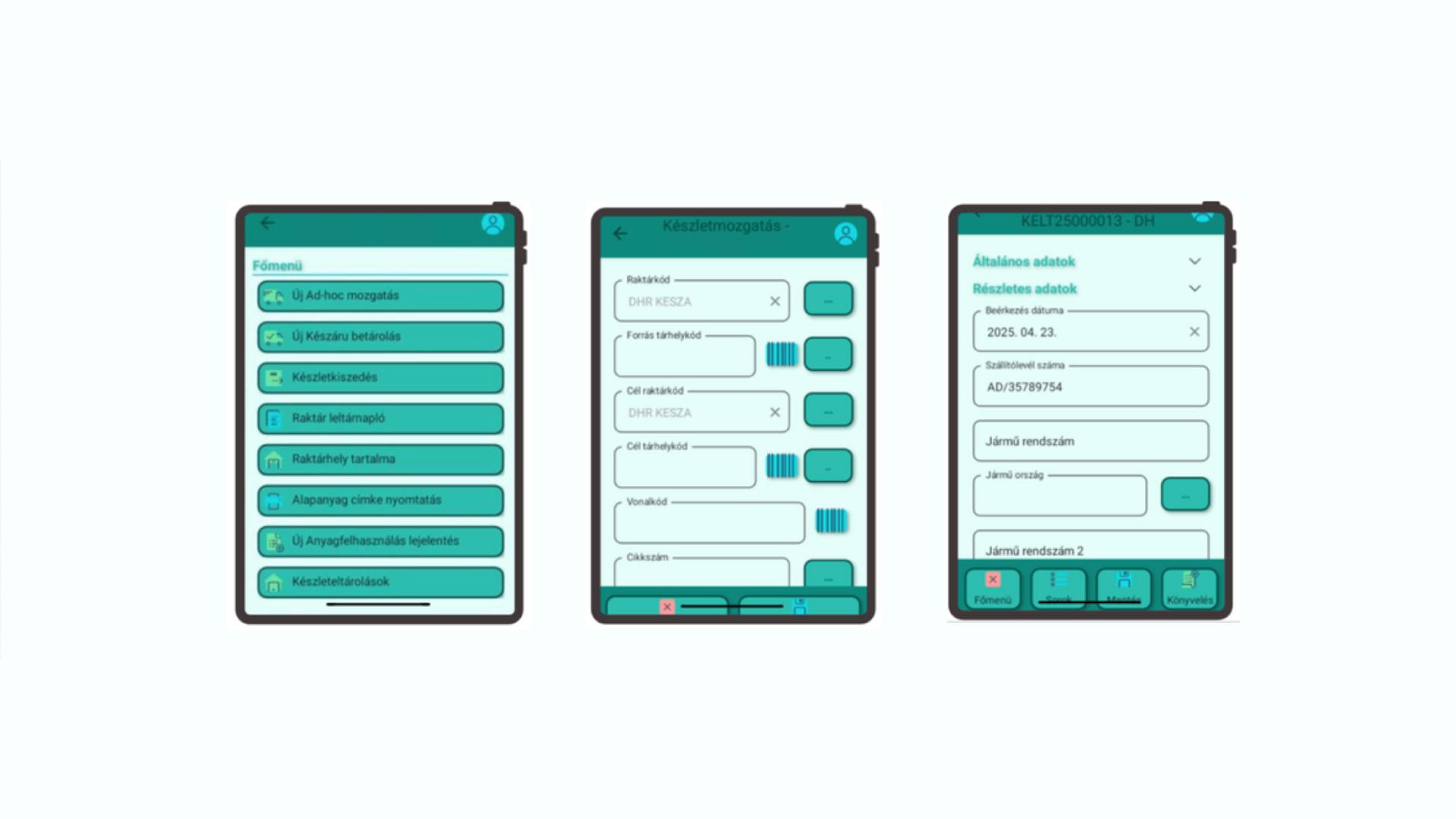
The interface configured in Business Central makes it possible to set up warehouse users and profiles, display functions on mobile devices based on user roles, define individual default warehouses and journal settings, and configure printers by user.
As a result, users only see the processes relevant to them, through a simple and transparent interface.
Mobile goods receipt and put-away
The system supports document-free recording of purchase orders from a mobile device. Receipt data, such as delivery note information, vehicle details and dates, can be entered directly in the mobile application. Goods receipt can also be managed at line level, allowing quantity, bin, batch and expiration data to be recorded accurately.
Once the data has been entered, automatic posting in Business Central can be completed with a single click.
The process is further accelerated by support for printing and reprinting barcode labels directly from the mobile device.
Bin content lookup and real-time inventory visibility
DynaGo Warehouse enables users to check the contents of warehouse bins and view real inventory information using various filtering options.
Users can search by item number, bin, batch or variant, allowing them to access the necessary data quickly and accurately.
Ad hoc material movements
The system also supports ad hoc material movements using barcode-based identification. This includes bin-to-bin and warehouse-to-warehouse movements, together with quantity and inventory checks. As a result, flexibility and accuracy are both maintained in daily operations.
Material consumption for manufacturing
The solution is also suitable for supporting manufacturing processes. A production order can be identified by barcode, after which the bill of materials lines are displayed and material consumption can be recorded. The system supports FIFO logic and automatically creates the necessary journals in Business Central.
This makes the administration of manufacturing-related material movements faster and more accurate.
Finished goods put-away
Products received from production can also be handled securely from a mobile device. Finished goods can be identified by barcode, the target bin for put-away can be specified, and the system supports secure storage even before posting takes place.
Picking and status tracking
During picking processes, users can list assigned tasks, check and approve quantities and bins, and manage partial quantities as well.
The system provides automatic status management, making tasks clearly traceable through “New,” “In progress” and “Completed” statuses.
Stocktaking with mobile barcode scanning
Stocktaking works on an inventory order basis and enables the identification of the bin, item and batch even with a single scan. This significantly speeds up the process while ensuring accurate result recording.
The technological foundations of the warehouse solution
The technology behind DynaGo Warehouse translates directly into business benefits. .NET MAUI provides native Android and iOS performance from a single codebase. Business Central Web API integration ensures real-time data connectivity. Barcode and QR code support enables the use of both the device camera and external scanners. Support for cloud and on-premises Business Central environments means the solution can be adapted to virtually any infrastructure.
Who is DynaGo Warehouse recommended for?
The solution is especially useful for manufacturing and food industry companies, commercial and logistics centers, and businesses with a service background.
It can be particularly beneficial for companies operating across multiple sites and handling high volumes of goods.
Mobile service solution: efficient work order management and field support
DynaGo Mobile provides advantages not only in warehouse and manufacturing-related processes, but also directly supports the work of field service technicians. The efficiency of service technicians has a major impact on customer service, cost efficiency and response times. Paper-based reports, inaccurate data transfer and subsequent administration all cause time losses, while customers increasingly expect immediate, transparent communication and documented work execution.
The Mobile Service application, built on .NET MAUI technology, addresses these challenges through close integration with Microsoft Dynamics 365 Business Central.
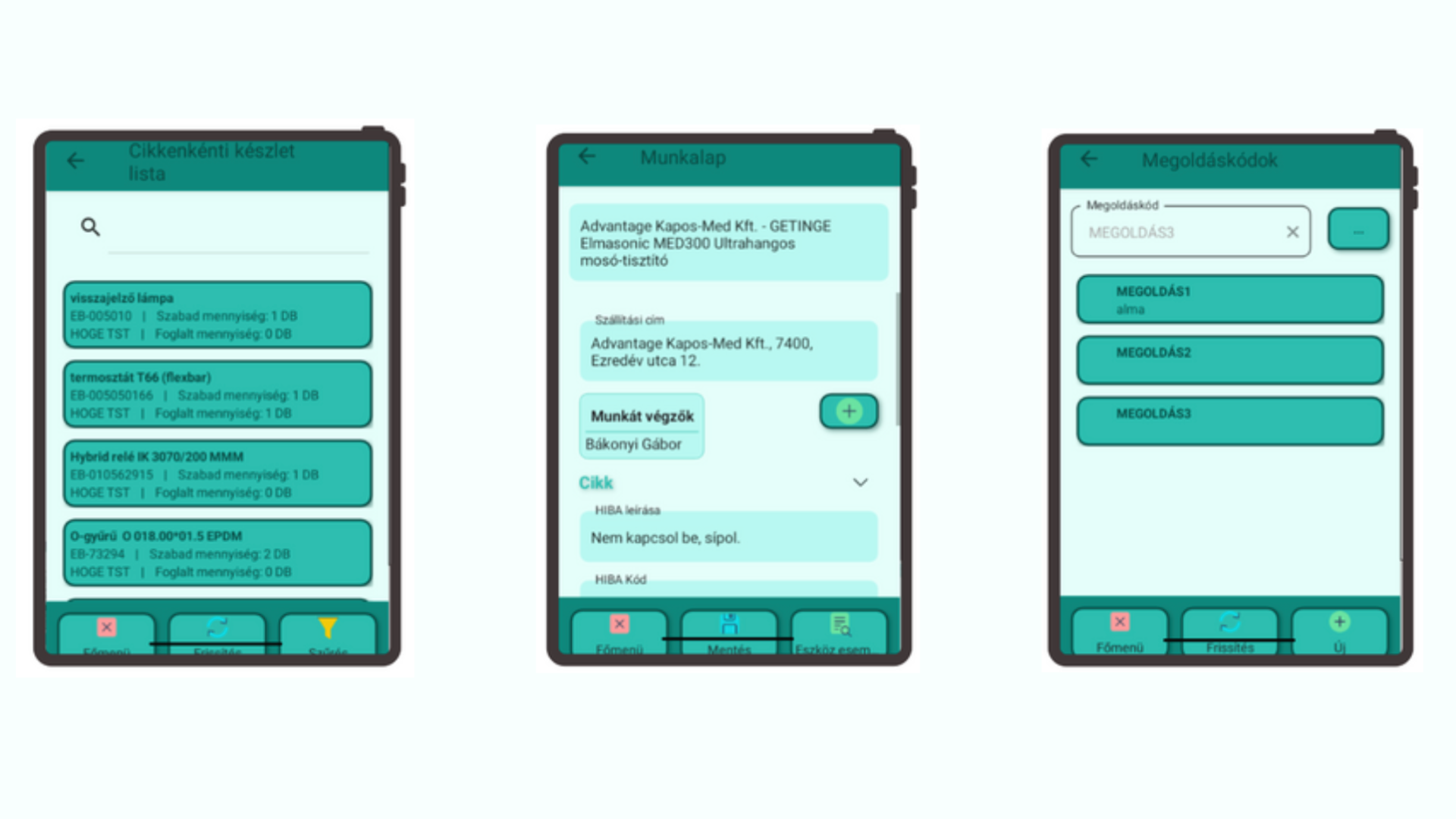
The application provides comprehensive field support for service processes: from creating work orders and recording materials used to accessing real-time inventory information and automatically generating a signed work order in PDF format.
Real-time inventory information for field technicians
A service technician can immediately check which spare parts and materials are available in their vehicle, even across multiple companies, provided a unified warehouse code structure is in place. The available data includes item ledger entry details such as batch number, quantity and shipping address.
This is particularly important because technicians can see exactly what is available to them on site. As a result, service response time is reduced and unnecessary spare part orders can be avoided.
Mobile work order management
The mobile application enables work orders to be started and managed from a mobile device, with changes appearing in Business Central in real time. Work orders recorded in Business Central can be assigned to service technicians, materials used and working time can be recorded immediately and without paper, and work order data is continuously synchronized between the two systems.
The process also allows the customer to digitally sign the work order on the mobile device.
This makes the service process faster, more transparent and more accurate, while billing can also be prepared automatically.
Custom work order PDF template and automated document management
The system automatically generates a PDF document from the signed work order in a custom, company-specific format. This document can be uploaded to the appropriate document repository, attached as an invoice attachment, and even sent immediately to the customer by email from the mobile application.
This not only significantly accelerates administrative processes, but also provides a professional customer experience.
Equipment history and event log
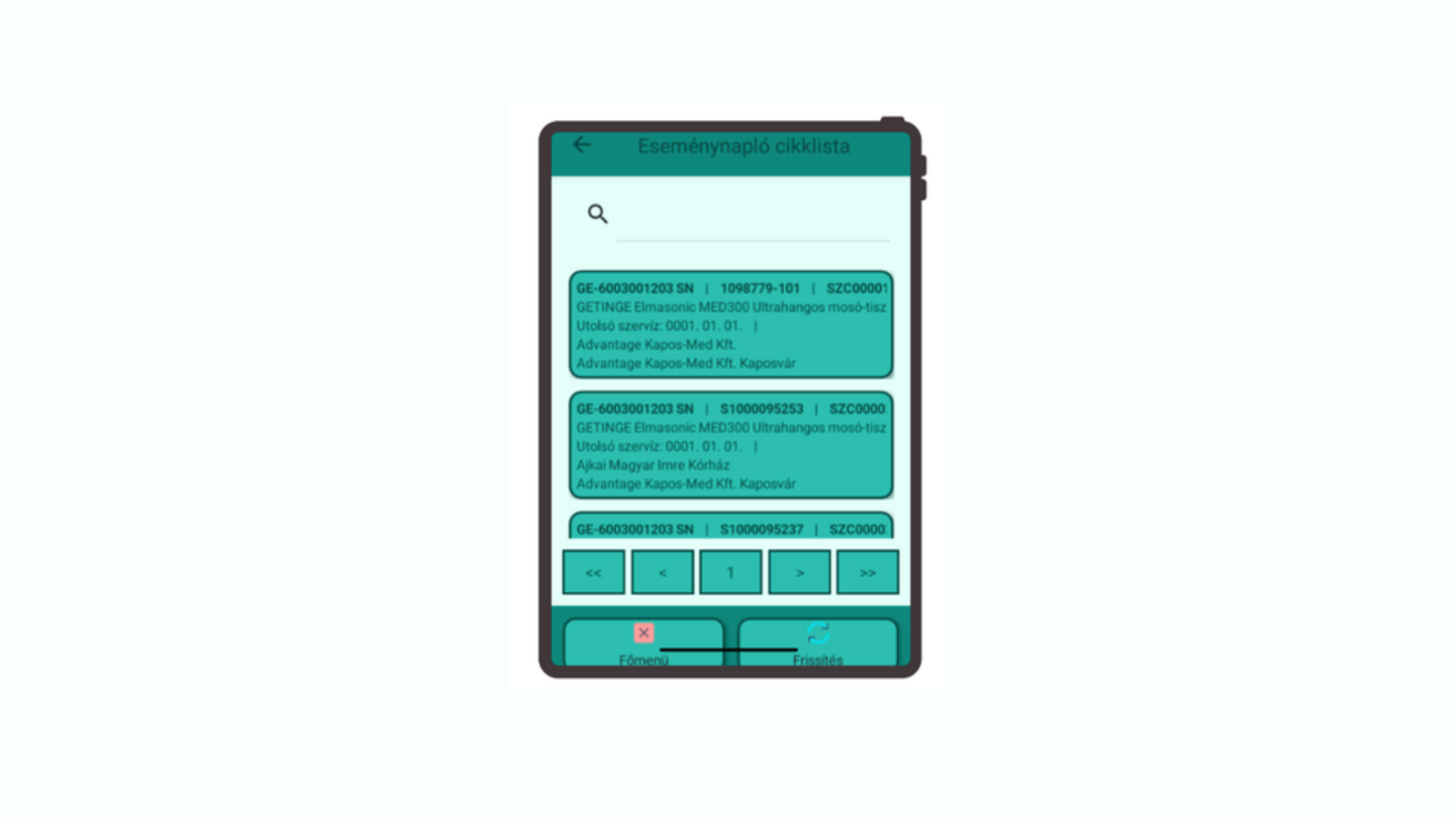
One of the key advantages of the mobile service application is that it makes previous service dates, earlier work order IDs, and the parts and operations used searchable for every service item. This makes troubleshooting easier, supports the handling of recurring issues, and significantly improves service efficiency.
Business benefits of the service solution
By using the system, the administrative burden is significantly reduced and paperless operation becomes possible. Field service work becomes faster, customer communication improves, inventory information becomes more accurate, and the number of unsuccessful service visits is reduced.
Automated document management enables faster invoicing, while service data becomes more transparent and customer history easier to track. Together, these benefits significantly improve both the customer experience and traceability.
Who is the Mobile Service application ideal for?
The solution can be an ideal choice for companies providing contracted or ad hoc service activities, businesses with many mobile technicians working in the field, organizations maintaining high-value equipment with long lifecycles, and service companies managing multiple companies and sites.
For more information about any of the solutions, or to learn how DynaGo Mobile can be integrated into your own business processes, contact our experts at dynago@dynago.hu.